Omniglot

AI translation that keeps your format and your voice

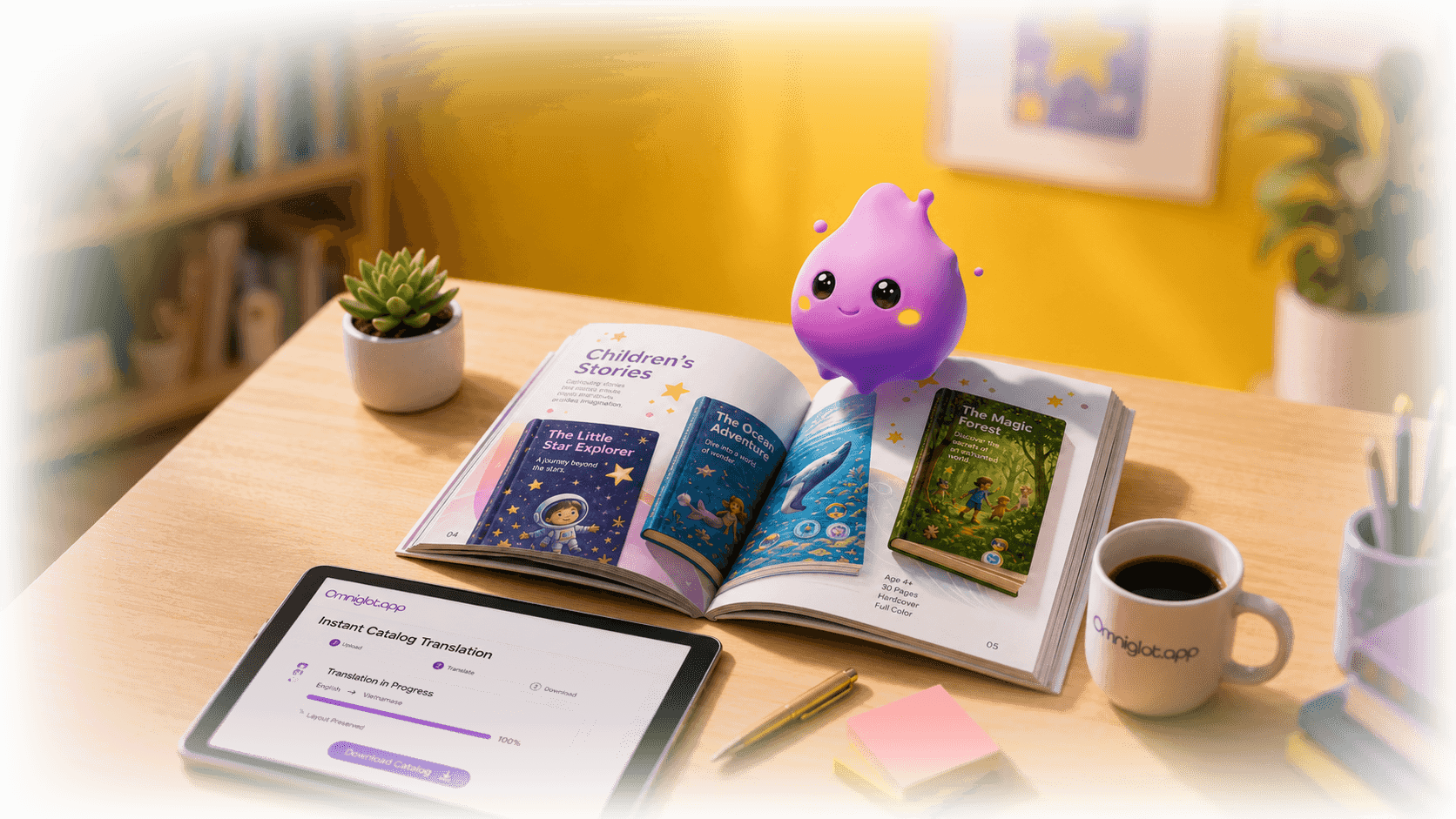
Omniglot translates complete files, supports segment-level review, and helps teams manage multilingual projects without losing editorial control.

Capabilities

Everything you need to translate at scale

1

Format-preserved translation

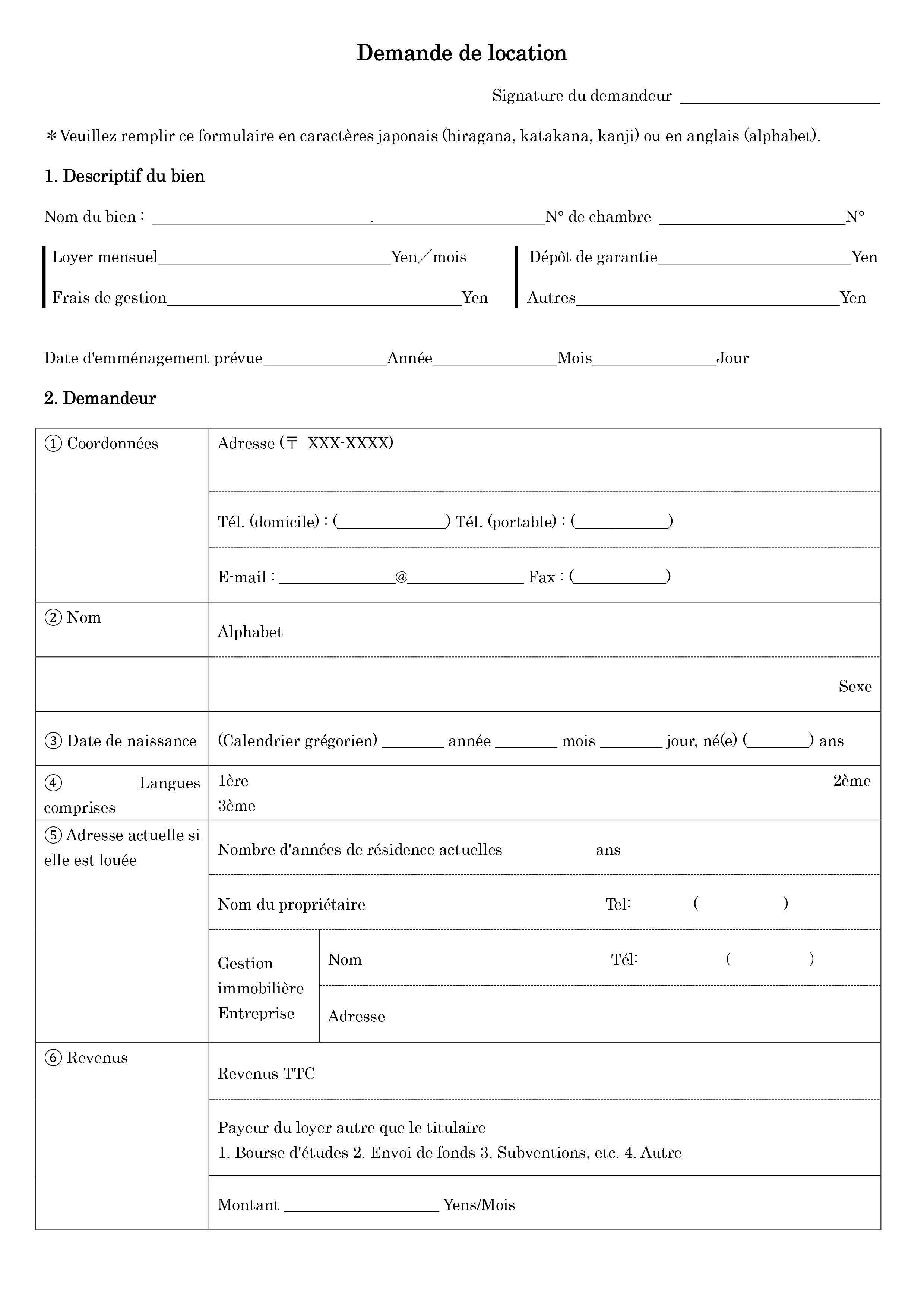
Upload structured documents and keep layouts, sections, and formatting intact so post-editing starts from a cleaner draft.

2

Segment-level control

Review translation one segment at a time, refine terminology, and keep the human touch where it matters most.

3

Project-ready workflow

Support large translation projects with QA/QC checkpoints and a process designed for teams, not just one-off prompts.

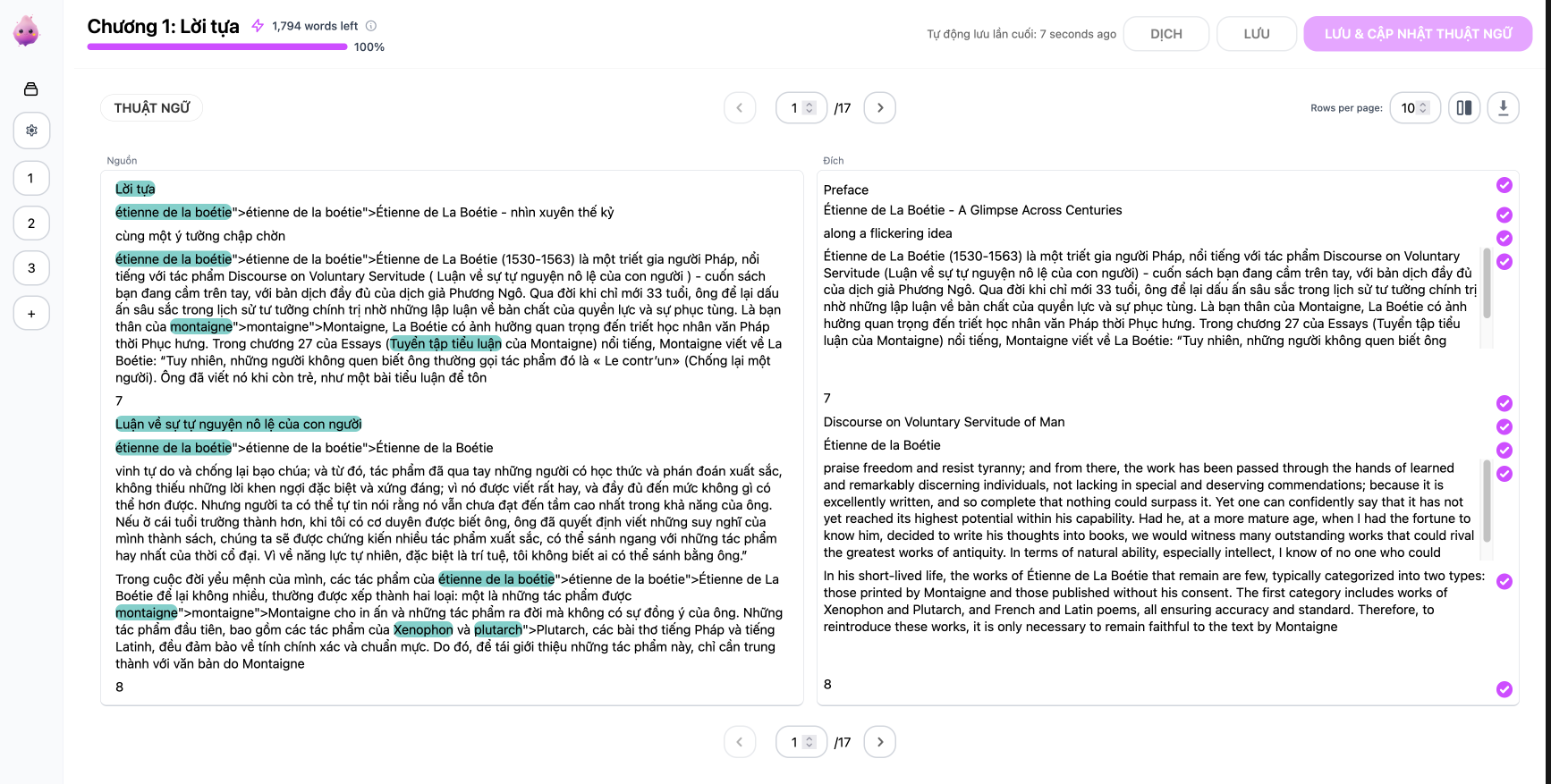
Editor Mode

Built for big projects

Review your work segment-by-segment with ease. Our dual-search lets you hunt down terms in both languages at once because nobody has time for hide-and-seek with words.
Translate now
Editor Mode interfaceEditor Mode interfaceEditor Mode interface

Selected books published with Omniglot

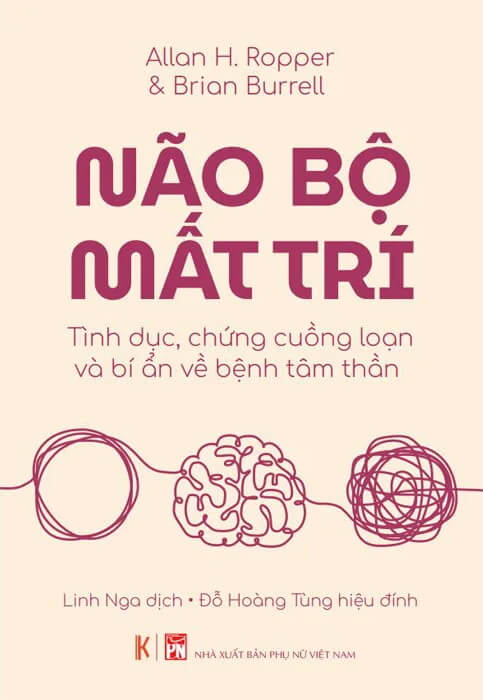
Não bộ mật trí
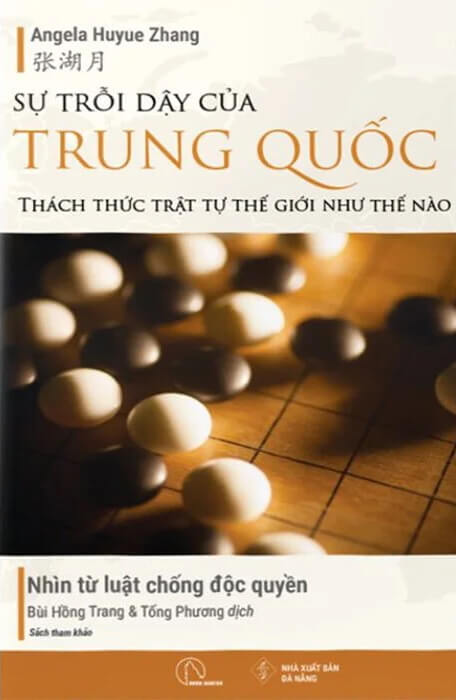
Sự trỗi dậy của Trung Quốc
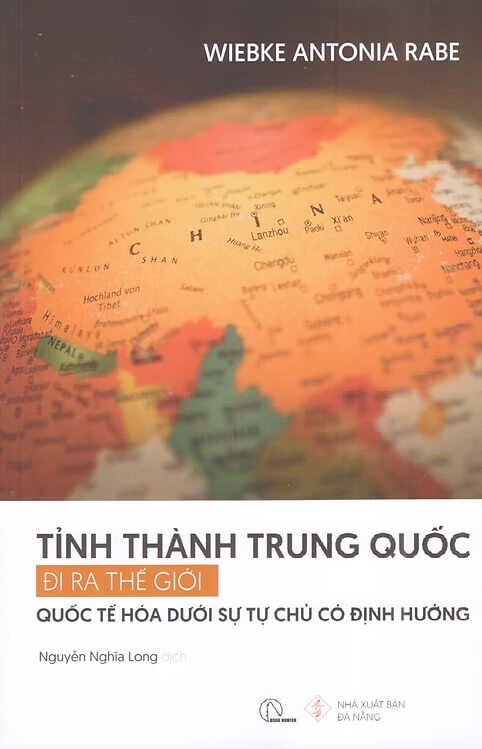
Tỉnh thành Trung Quốc
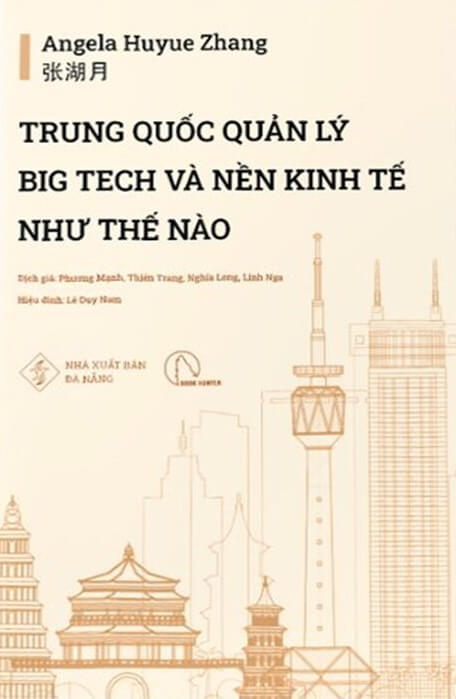
Trung Quốc Big Tech
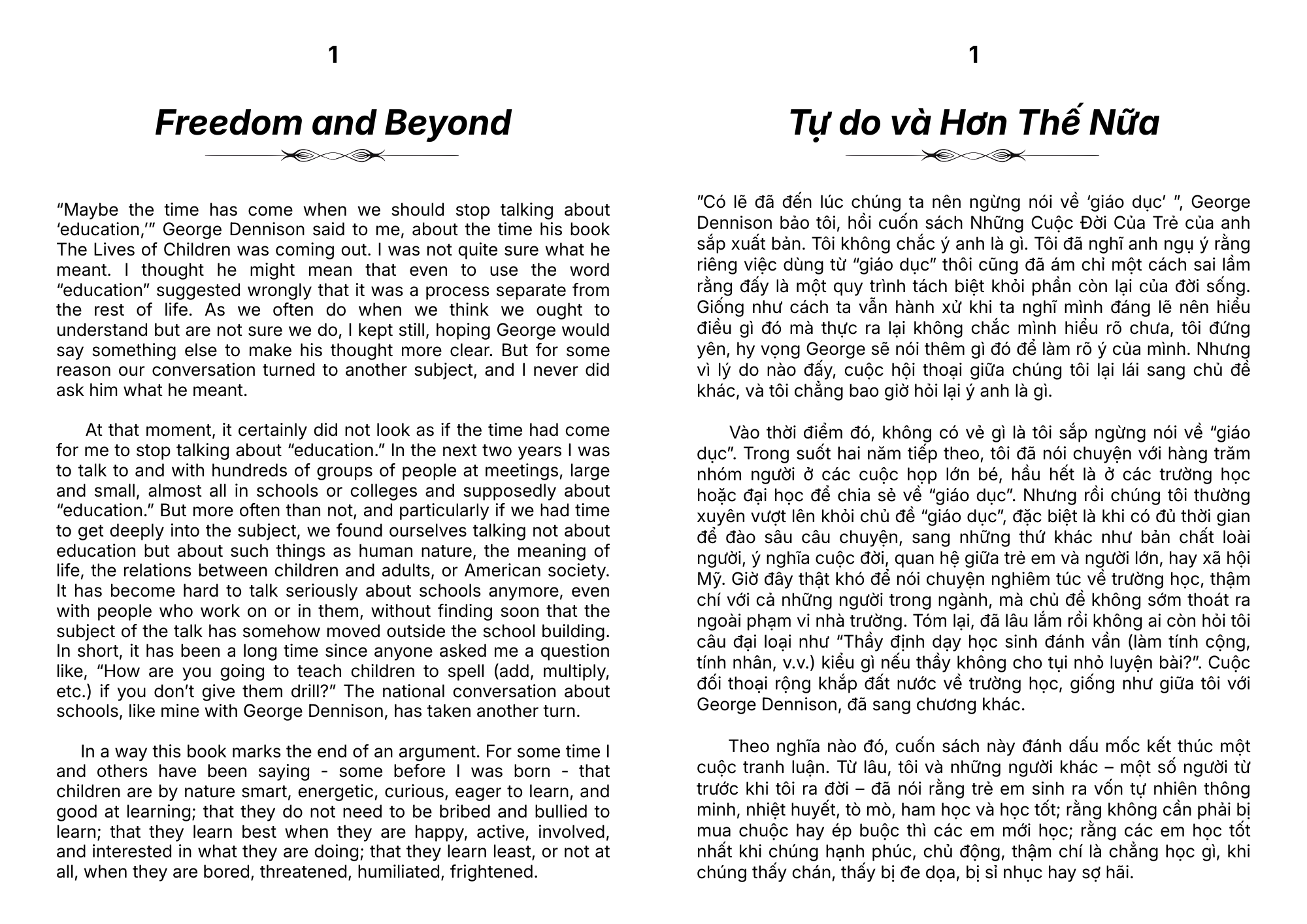
Tự do và hơn thế nữa

Insta Mode

Get it done fast, get it done right

Keep your formatting exactly how you like it. No sweat.

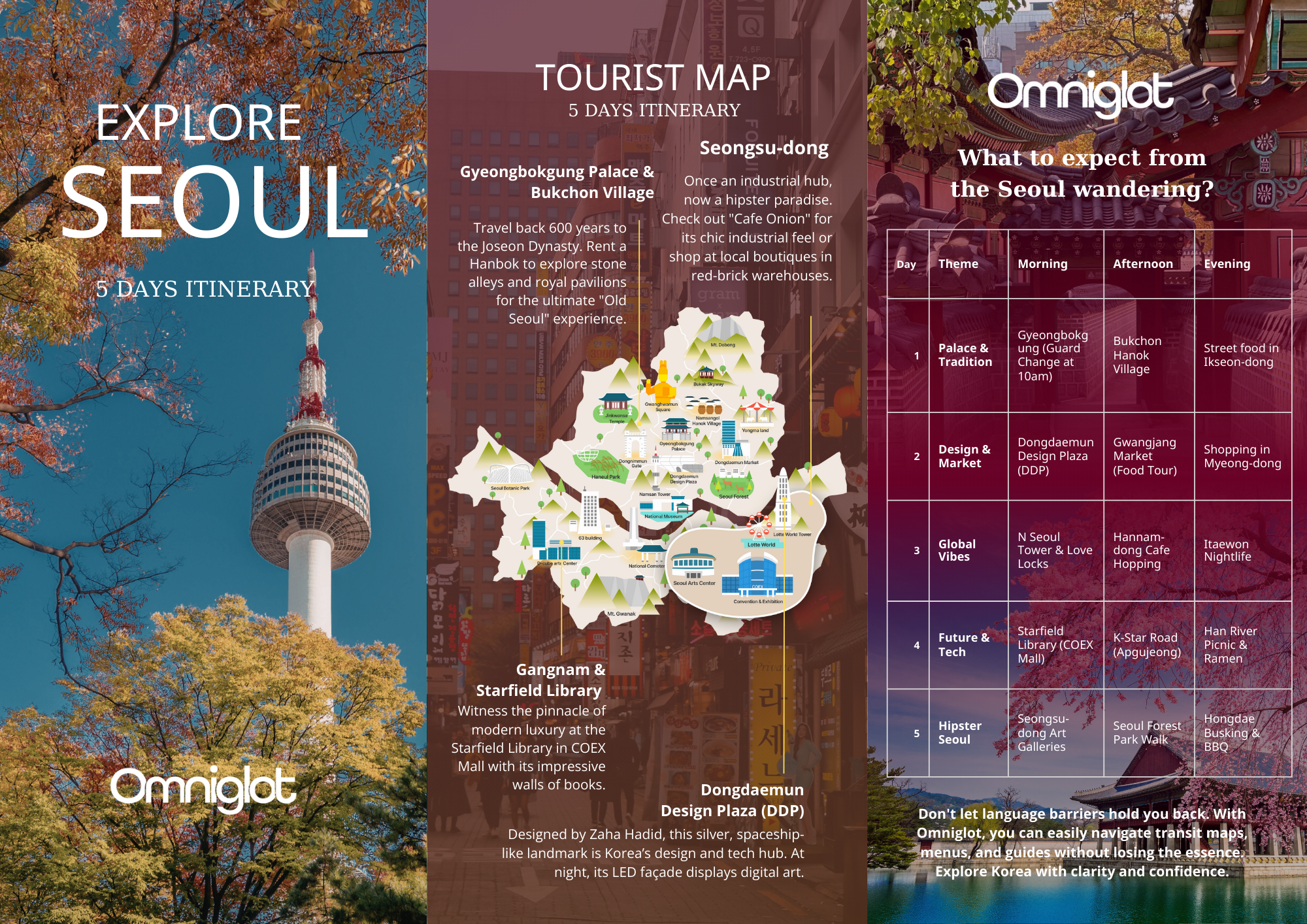
Perfect for the travel agent who needs to quote in 10 languages
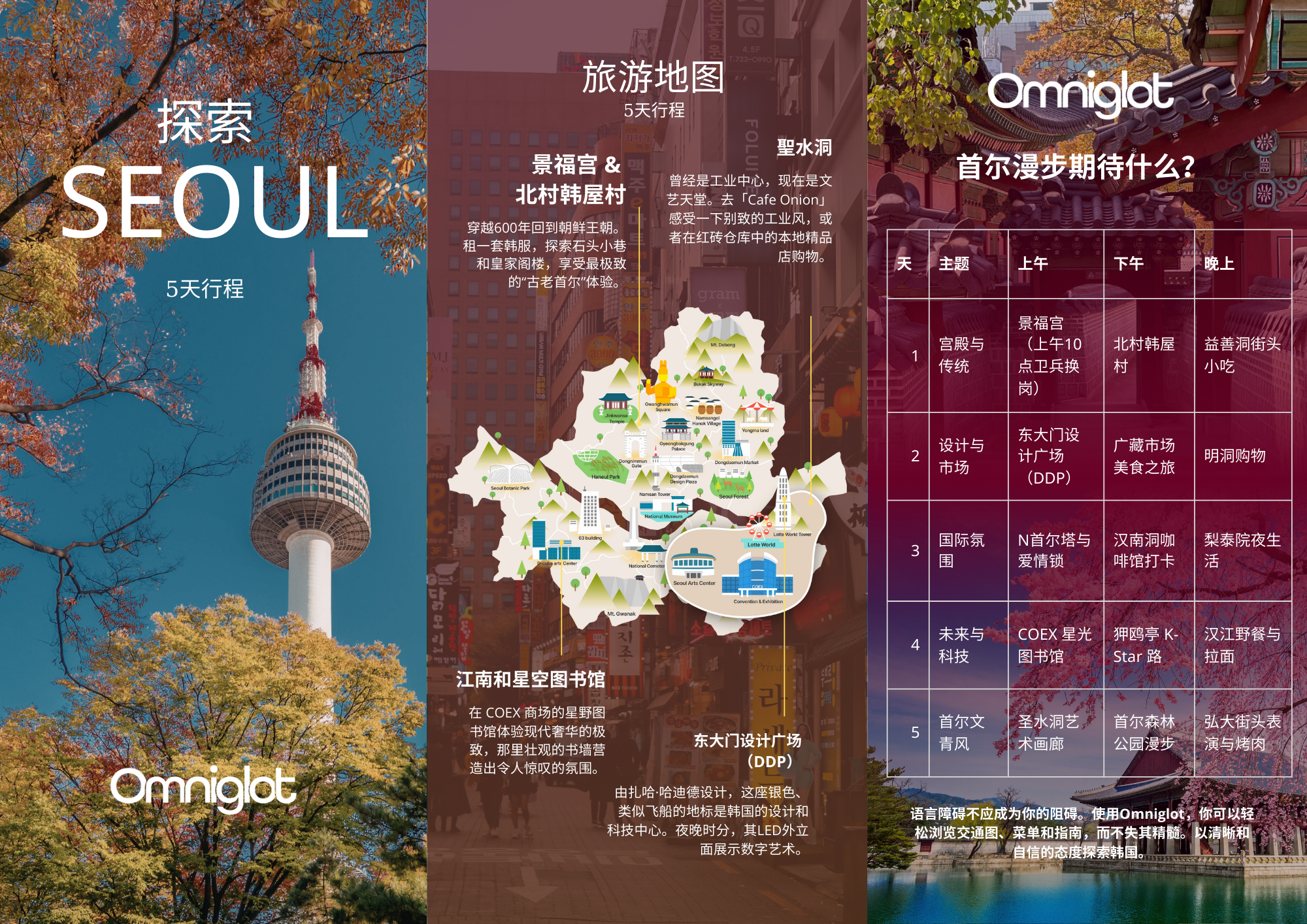
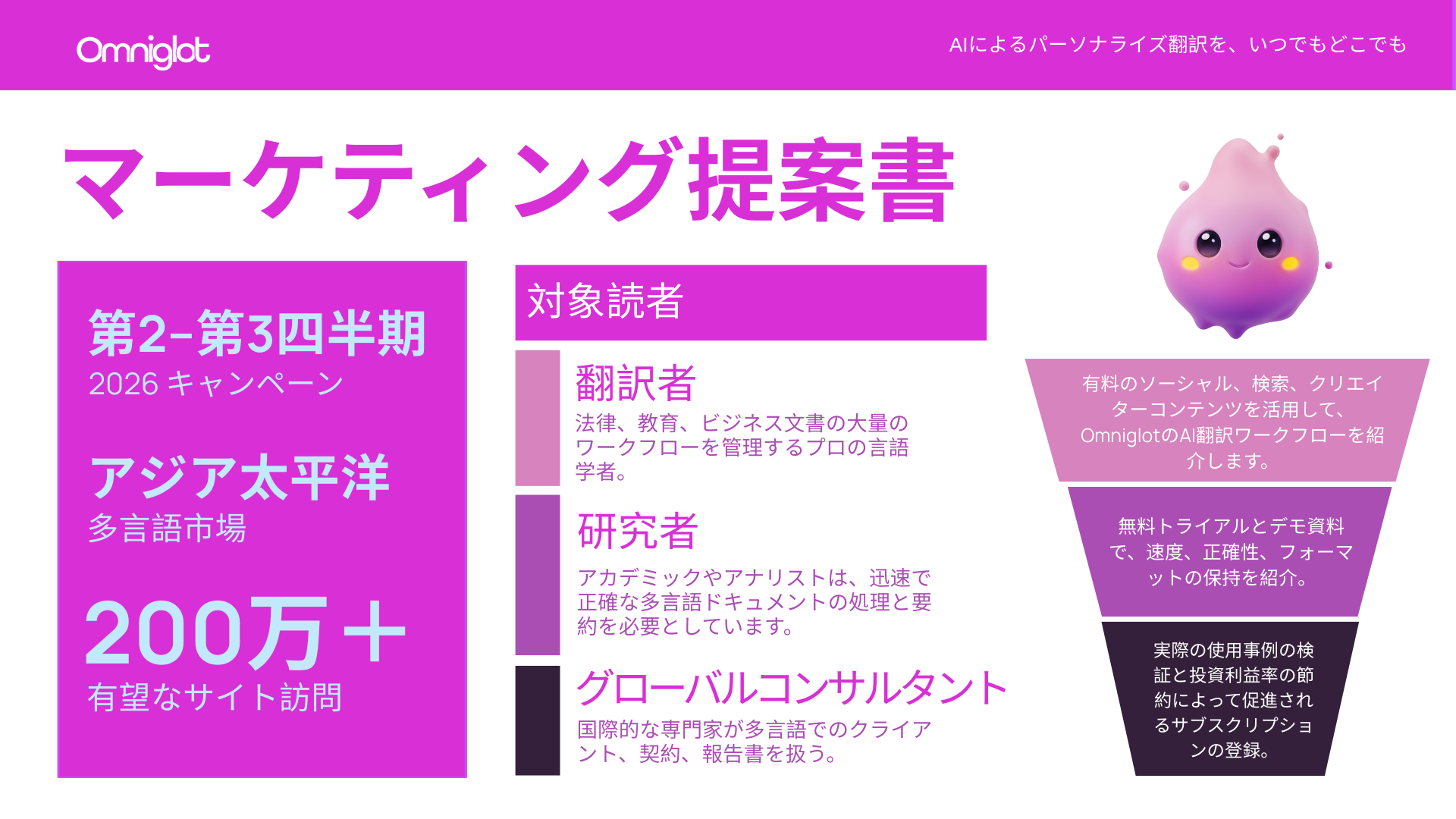
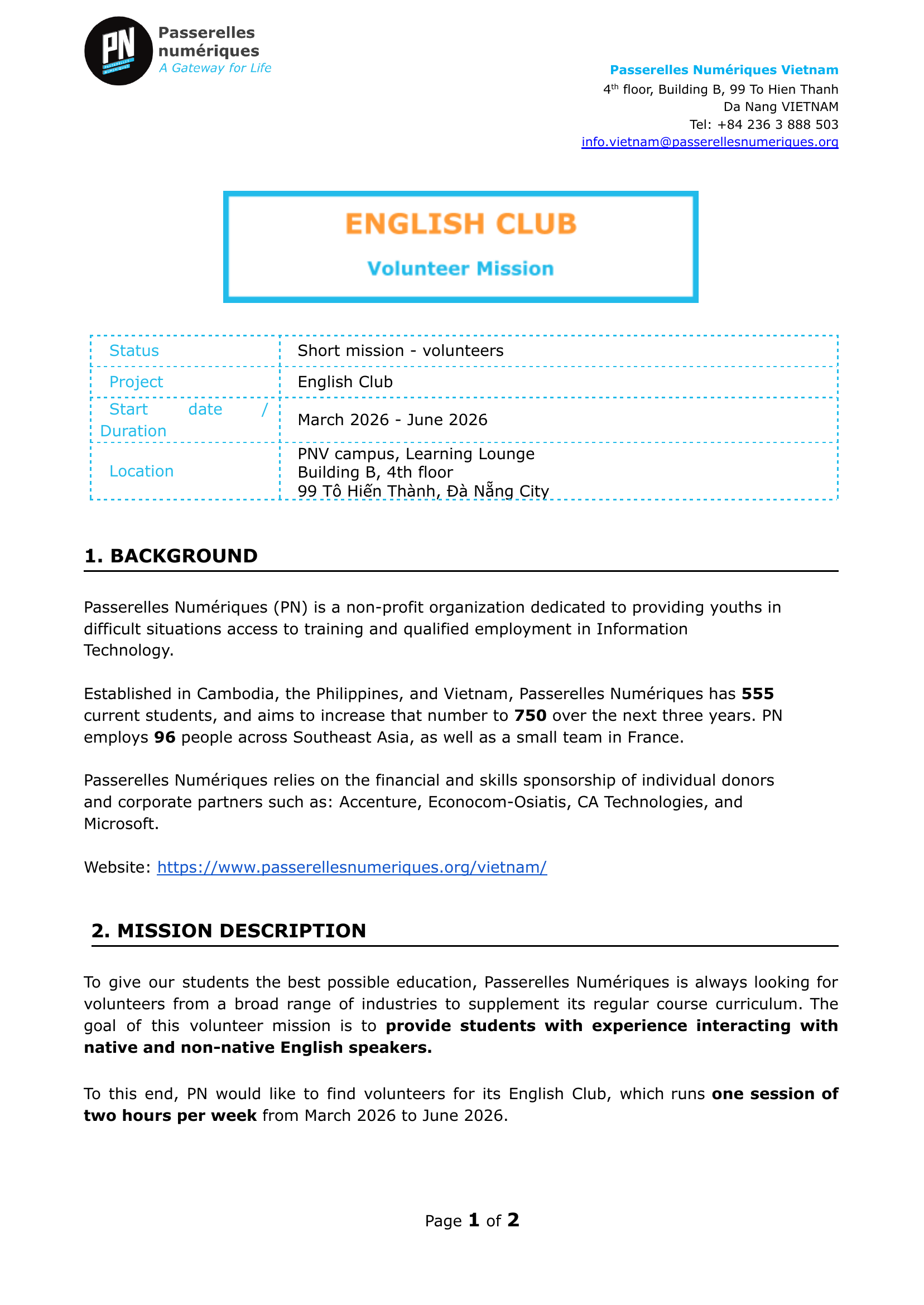
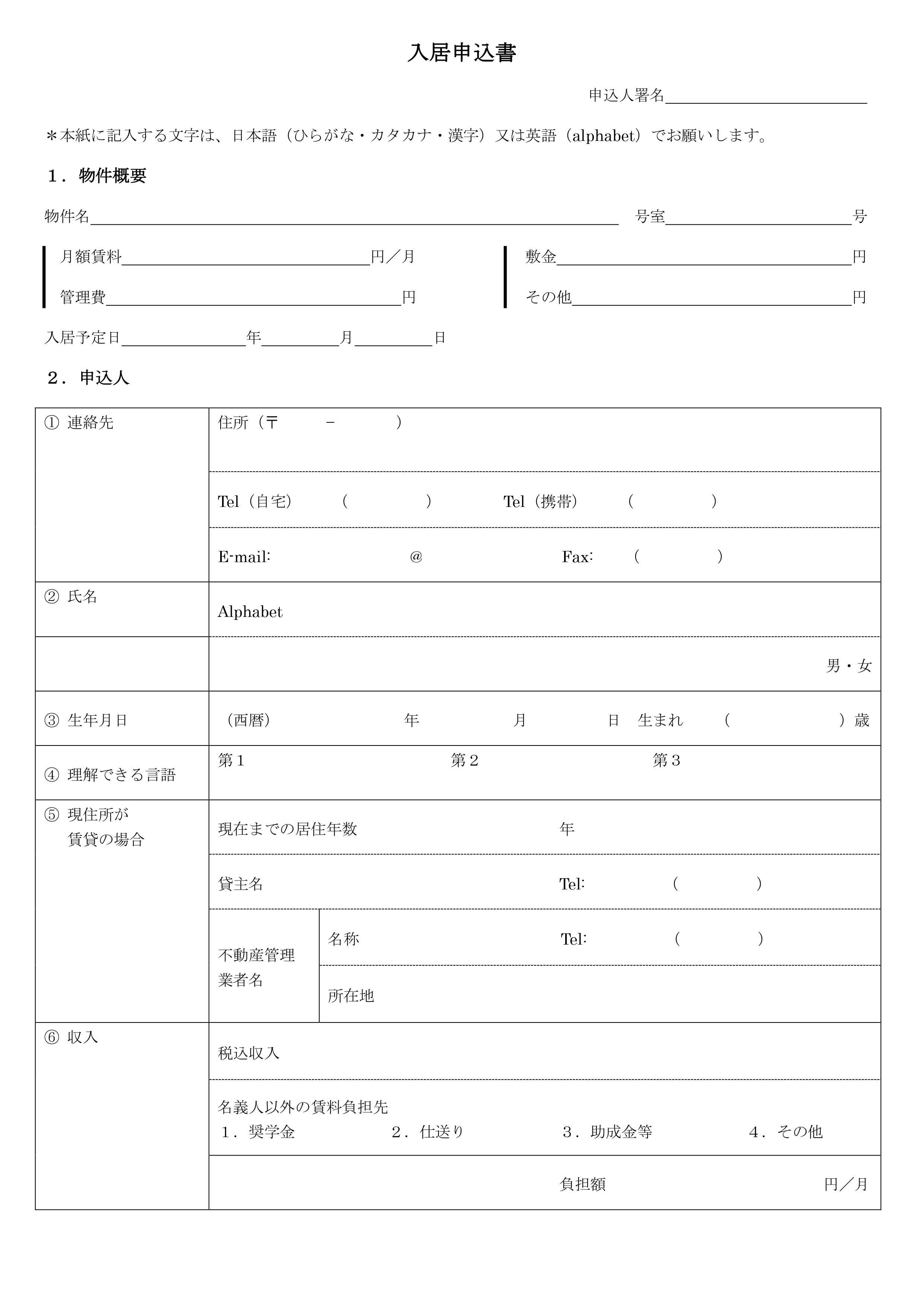
Original
Original documentOriginal documentOriginal documentOriginal documentOriginal document
Translated
Translated documentTranslated documentTranslated documentTranslated documentTranslated document

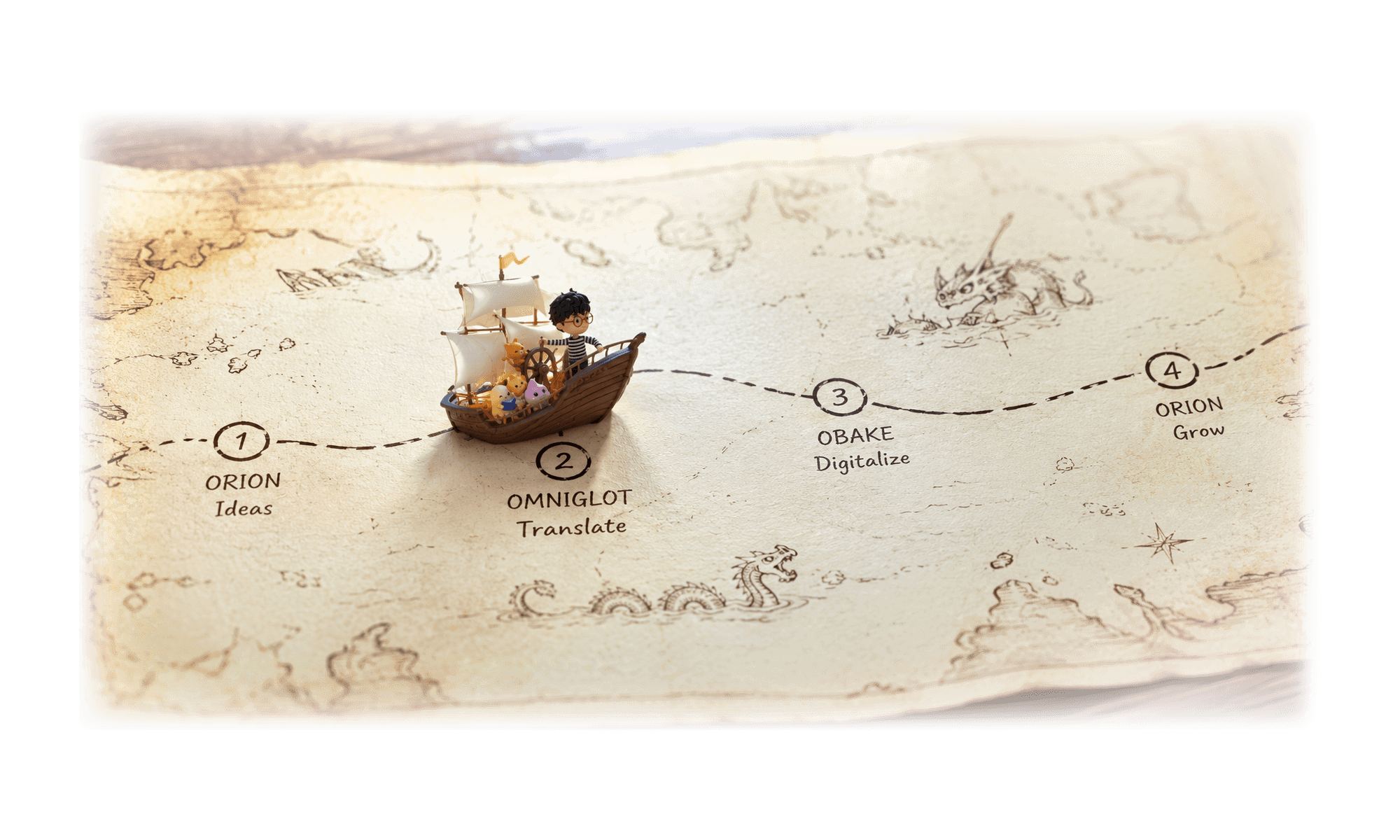
Part of the Consen ecosystem

One platform. Every tool publishers need.

Omniglot is one piece of a larger suite of AI agents built specifically for publishers — covering digitalization, content marketing, distribution, and beyond.

Explore the full ecosystem
Frequently Asked Questions

Does Omniglot preserve document formatting during translation? expand_more
Yes. Omniglot translates DOCX, PDF, PPTX, and other file formats while keeping the original layout, fonts, tables, and structure intact. You receive a translated file in the same format as the original, ready to use with minimal post-editing.
How does Omniglot differ from Google Translate or DeepL? expand_more
Unlike consumer tools, Omniglot is built for professional and publishing workflows. It supports segment-by-segment review, team collaboration, project management, QA/QC checkpoints, and style learning that adapts to your specific terminology and voice. It also handles full file uploads rather than copy-pasted text.
What file formats does Omniglot support? expand_more
Omniglot supports DOCX, PDF, PPTX, and other common document formats. Translations are returned in the same file format as the original.
Can teams collaborate on translation projects in Omniglot? expand_more
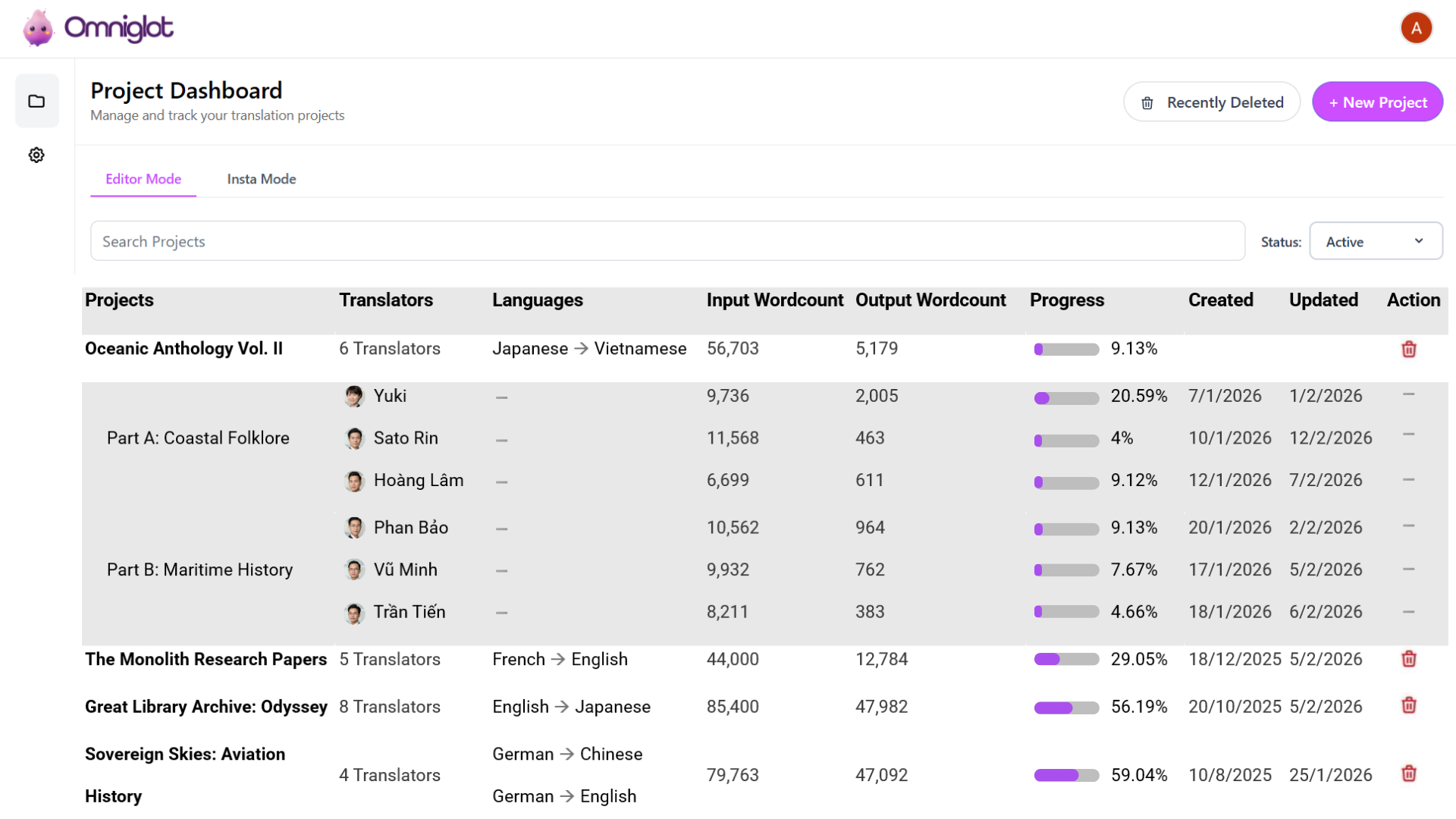
Yes. Omniglot includes a project dashboard for managing solo or team translation projects, tracking progress in real-time, and applying QA/QC review stages suited for large publishing or localization workflows.