Free Tool by Orion
Free QR Code Generator
Static QR codes with no ads, no redirects, and no expiry. SVG export, logo support, transparent backgrounds. No signup ever.
Your content
Logo Optional — PNG, SVG or JPG
Preview
Get started
Create a free QR code in 3 steps
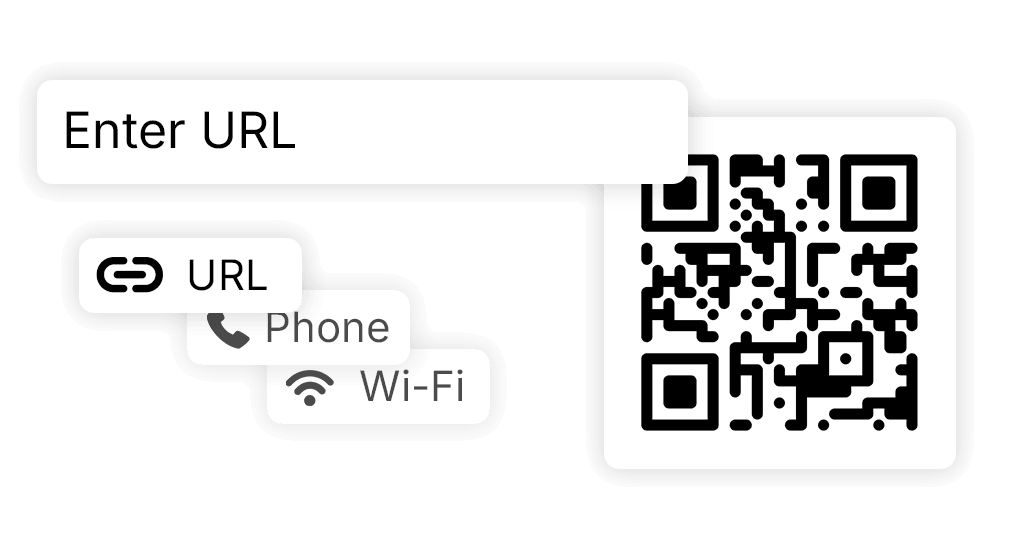
Enter your content
Type or paste anything — a URL, a phone number, an email address, or plain text. Content type is auto-detected, so there's nothing to configure upfront.
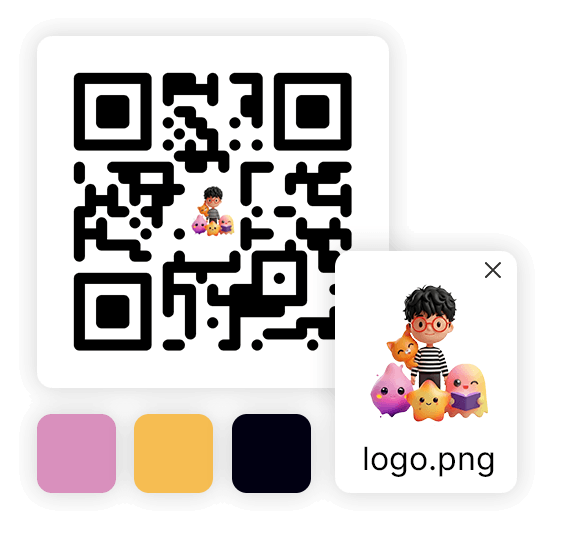
Adjust the look
Change colors, drop in a logo, and choose an error correction level. The preview updates live — what you see on screen is exactly what you'll get in the file.
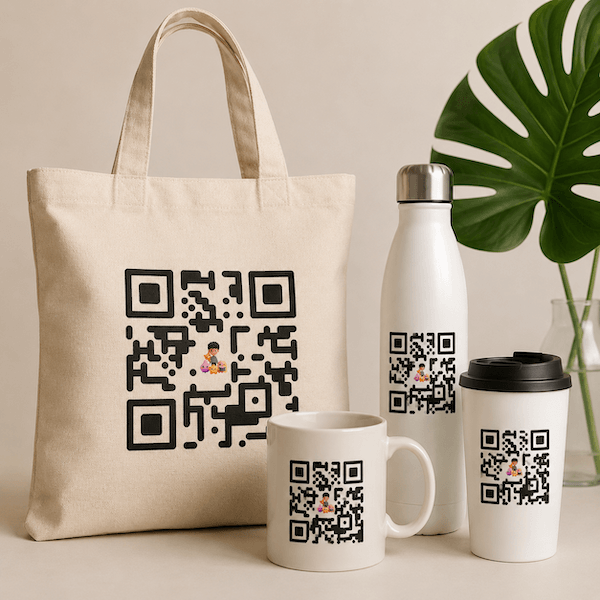
Download it
PNG works great for screens and social media. SVG is the right choice for anything printed — it stays sharp at any size. Both are free, with no account and no added branding.
QR code basics
What is a QR code?
What is a QR code?
A QR code is a 2D barcode that encodes data — a URL, a phone number, plain text, contact details — as a grid of black and white squares. Any smartphone camera can read it in under a second without a dedicated app.
Why use QR codes?
They remove friction. Instead of typing a long URL, dialing a number, or hunting for a Wi-Fi password, a single scan gets the job done. That makes them valuable on packaging, print, signage, business cards — anywhere a camera can point.
How to scan a QR code
Point your phone camera at the code and hold steady. On iOS 11 and later, and Android 9 and later, a notification appears automatically — just tap it. No scanner app required on any modern phone.
Guidance
QR Best Practices
A good QR code isn't just scannable — it's durable, trustworthy, and effective at the size and context it's deployed.
Minimum print size: 2 cm
Below 2 cm × 2 cm (≈ ¾ inch), most phone cameras struggle to decode. For small labels, use higher error correction and remove the logo.
Maintain the quiet zone
QR codes require a white margin (the "quiet zone") of at least 4 modules wide around all sides. Never let other design elements bleed into it.
Dark on light, always
Scanners read dark modules on a light background. Reversed (light on dark) is unreliable. Never use low-contrast color combinations.
Avoid URL shorteners for print
Shortened URLs create a dependency. If the shortener shuts down, every printed QR code becomes useless. Use a canonical HTTPS URL.
Logo requires H error correction
A logo covers part of the QR pattern. Error correction level H (30%) ensures enough redundancy that the code still decodes reliably.
Use SVG for print production
SVG scales to any resolution without pixelation — essential for packaging, signage, and large-format printing where PNG would look blurry.
Where to use them
Where QR codes work best
The right placement turns a passive surface into an active touchpoint. These are the locations that consistently deliver results.
Product packaging
A box or label is valuable real estate. Use a QR code to surface setup guides, ingredient details, video demos, or warranty registration — all the information that doesn't fit on the label itself.
Posters and flyers
Printed materials have a short shelf life. A QR code extends them: link to a live event page, a sign-up form, or a video — and update the destination any time without reprinting.
Business cards
A physical card can hold a website, a phone number, and a name. A QR code on the same card can hold your full profile, LinkedIn, calendar link, and portfolio — behind a single scan.
Storefronts and windows
A QR code in the window works around the clock. Someone walking past at 10 pm can still check your menu, see your hours, read reviews, or get directions without you having to be open.
Email signatures
Most people read email on their phones. A QR code in your signature lets them tap once to visit your site, book a call, or save your contact — without copying and pasting anything.
Tables and menus
A table QR code replaces a printed menu that goes out of date the moment prices change. Update the content once online — every table updates automatically.
Industries
QR codes across industries
The technology is simple. What matters is how it fits into each context — and in most industries, there are a handful of uses that stand out.
Publishing
Print once, extend indefinitely. A QR code on a book, magazine, or brochure links readers to supplementary content, author interviews, updated errata, or exclusive digital extras — without touching the printed edition.
Retail
Shelf space is limited, but a QR code has no limit. Link product labels to full spec sheets, user reviews, video demos, or a 'find your size' guide. Add one to a receipt for a loyalty sign-up.
Healthcare
A QR code on a discharge sheet, appointment card, or prescription bag can link directly to aftercare instructions, the patient portal, or a booking form — reducing calls and confusion.
Education
Print a handout once, update it indefinitely. A QR code links students to the latest version of a document, a supplementary video, or an interactive exercise without reprinting anything.
Events
Paper tickets get lost; printed schedules go stale. A QR code on a badge or confirmation email opens a live schedule, a venue map, or a digital ticket — updated in real time as plans change.
Hospitality
A QR code on a table handles the menu, the feedback form, and the loyalty programme sign-up — without printing a single card. Change the menu tonight; every table reflects it by morning.
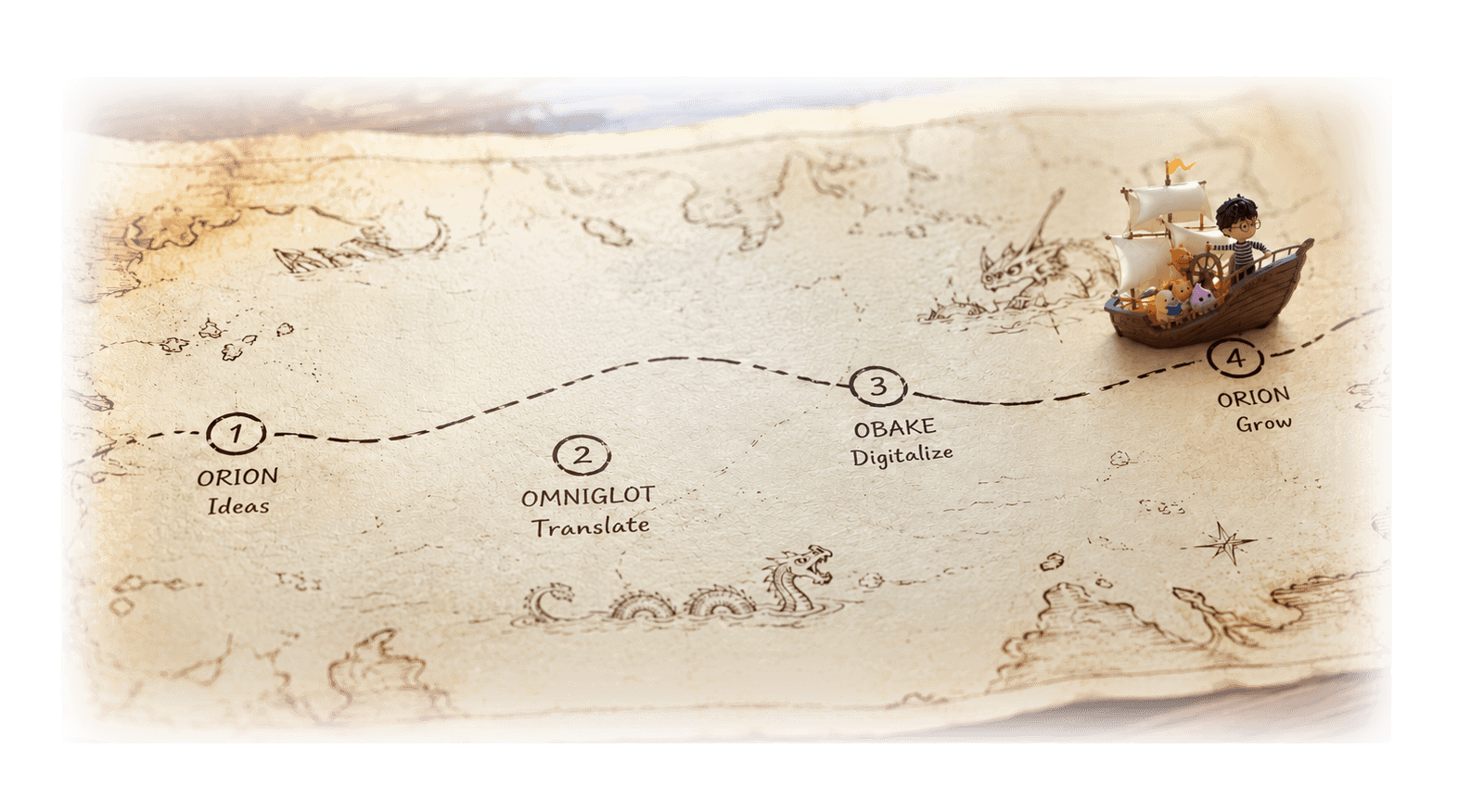
Part of the Consen ecosystem
The go-to-market agent for publishers
Your AI research partner for intelligent search, seamless organization, and content execution.
Explore Orion